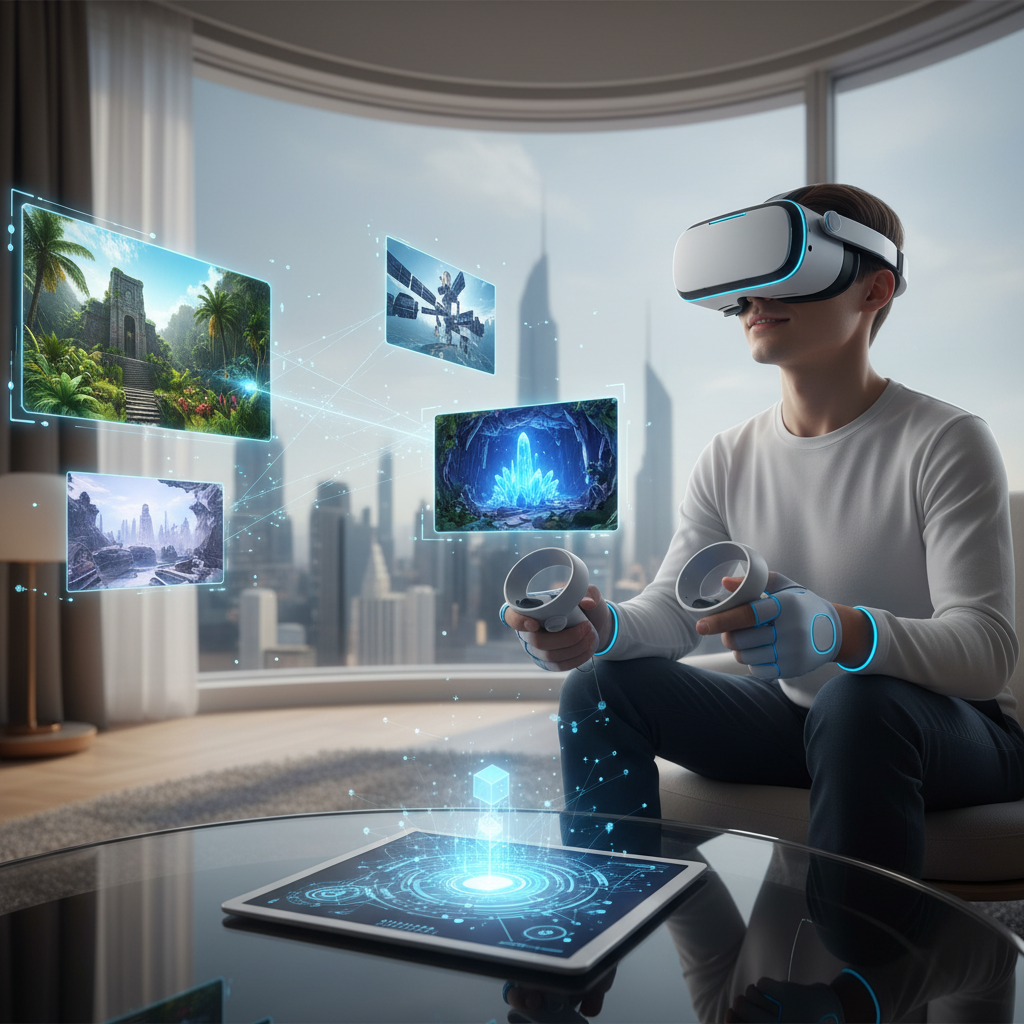
The concept of the metaverse, a persistent, interconnected network of 3D virtual worlds where users can interact in real-time, is rapidly transitioning from science fiction to tangible reality. Virtual reality (VR) headsets are the primary gateway to this immersive digital frontier, offering unparalleled experiences that blend our physical and digital lives. But with a growing array of devices on the market, choosing the right VR headset to navigate this evolving landscape can be daunting. This guide will help you understand the essential features, compare leading models, and make an informed decision to embark on your metaverse journey today.
VR Headsets: Overview and Benefits in the Metaverse
A VR headset is a device worn on the head that provides a virtual reality experience to the user. It typically includes a screen or screens that display a simulated environment and may incorporate sensors for tracking head and body movements. These devices immerse you in a computer-generated world, making you feel present within it.
The metaverse, at its core, is a future iteration of the internet, characterized by shared, persistent virtual spaces. Its defining features include robust infrastructure supported by components like GPUs, Wi-Fi, cloud computing, and 5G; customizable digital avatars for expressing identity; persistence, meaning the virtual world continues to exist and evolve even when you’re offline; and immersive experiences that merge physical and digital interactions. Metaverse platforms enable users to socialize, work, learn, and play in 3D environments, moving beyond simply viewing digital content to actively participating in it.
The benefits of using VR headsets for metaverse exploration are profound. They provide a level of immersion unmatched by traditional screens, making virtual interactions feel more real and engaging. For social experiences, VR allows for intuitive communication and interaction with other avatars, fostering a strong sense of community. In professional and educational contexts, VR headsets facilitate effective training, remote collaboration, and innovative learning environments by offering hands-on experiences in simulated settings.
Types of VR Headsets for Metaverse Exploration
The VR headset market offers diverse options, each with distinct advantages and ideal use cases for the metaverse. Understanding these categories is crucial for selecting the right device.
Standalone VR Headsets
Standalone VR headsets are all-in-one devices with built-in processors, batteries, and tracking systems. They operate independently, requiring no external computer or console.
- Pros: Unparalleled convenience, portability, wireless freedom, easier setup. They are ideal for users prioritizing ease of use, social apps, and mobile-grade games.
- Cons: Generally less graphical power than PC-powered headsets, which can limit the fidelity of complex metaverse environments. Battery life can also be a limitation for extended sessions.
- Popular Models: Meta Quest 3, Meta Quest 3S, Pico 4 Ultra.
|
Our Picks for the Best VR headset in 2026
As an Amazon Associate I earn from qualifying purchases.
|
||
| Num | Product | Action |
|---|---|---|
| 1 | Pimax Crystal Light VR Headset for PC, 2880x2880 per Eye, 8K QLED Display with Local-Dimming, Inside-Out Tracking, PC VR Headset for Flight Sims, iRacing & Gaming (Full Payment Version) |

|
| 2 | Meta Quest 3S 128GB | VR Headset — Thirty-Three Percent More Memory — 2X Graphical Processing Power — Virtual Reality Without Wires — Access to 40+ Games with a 3-Month Trial of Meta Horizon+ Included |
|
| 3 | Meta Quest Pro Headset with Virtual Reality Field Trips 1-Month Subscription |
|
| 4 | HTC Vive Focus Vision — Mixed Reality and PC VR Headset + Controllers — Consumer Edition |
|
| 5 | Meta Quest 3S 128GB | VR Headset — Thirty-Three Percent More Memory — Virtual Reality Without Wires — Access to 40+ Games with a 3-Month Trial of Meta Horizon+ Included (Renewed Premium) |
|
| 6 | Meta Quest 2 128GB - Advanced All-in-One Virtual Reality Headset (Renewed) |
|
| 7 | DESTEK V5 VR Headset for Kids & Phone w/Controller & 100+ Apps, Anti-Blue Light HD Lenses, 110° FOV, Compatible with iPhone & Android, Ideal for Family Entertainment & Gifting - Black |
|
| 8 | Meta Quest 3 512GB | VR Headset — Thirty Percent Sharper Resolution — 2X Graphical Processing Power — Virtual Reality Without Wires — Access to 40+ Games with a 3-Month Trial of Meta Horizon+ Included |
|
| 9 | HTC Vive XR Elite with Deluxe Pack — Mixed Reality and PC VR Headset + Controllers |
|
| 10 | TECKNET VR Headset for Phone with Bluetooth Controller, 4.7-7.2" VR Headsets with HD 110°FOV Anti-Blue Light Lenses & Adjustable Gears, 3D VR Headset for Kids Compatible iPhone Samsung Android |
|
PC-Powered VR Headsets
These headsets connect to a powerful gaming PC via a cable, leveraging the computer’s processing power for superior graphics and performance.
- Pros: Deliver the highest possible visual quality, frame rates, and detail, making them ideal for graphically demanding metaverse experiences. Offer access to extensive SteamVR libraries.
- Cons: Require a high-end, often expensive, gaming PC. The physical cable can restrict movement, and the setup process is typically more complex.
- Popular Models: Valve Index, HTC Vive Pro 2, HP Reverb G2.
Console-Based VR Headsets
Designed to work exclusively with a specific video game console, these headsets offer a streamlined experience optimized for living room setups.
- Pros: Convenient integration with an existing console ecosystem, optimized performance for that hardware, and often a strong exclusive content library.
- Cons: Limited to a specific console, which means you cannot use them with a PC or as a standalone device. The content library is also restricted to console-compatible titles.
- Popular Models: Sony PlayStation VR2 (for PS5).
Mixed Reality (MR) / Spatial Computers
A newer category blurring the lines between VR and augmented reality (AR), these devices blend digital content with the real world using advanced cameras. Some VR headsets, like the Meta Quest 3, now feature robust color passthrough for mixed reality experiences. Apple’s Vision Pro is a prominent “spatial computer” that uses eye and hand tracking for seamless interaction with digital content overlaid on your physical environment.
- Pros: Offer versatile applications, from immersive VR to blending digital information into your surroundings. Can enhance productivity and creative workflows in addition to entertainment.
- Cons: Often premium priced, and the ecosystem of dedicated MR applications is still developing.
Top VR Headsets for the Metaverse Compared
Choosing the best VR headset depends heavily on your priorities: budget, desired immersion level, and whether you prefer standalone freedom or PC power. Here’s a comparison of some of the leading models for metaverse exploration:
| Product | Display (per eye) | Refresh Rate (Hz) | Field of View (FoV) | Price (Approx.) | Key Pros | Key Cons | Assessment |
|---|---|---|---|---|---|---|---|
| Meta Quest 3 | 2064 x 2208 LCD | Up to 120 | 110° H, 96° V | $499 | Excellent standalone experience, robust mixed reality, pancake lenses, vast library. | Shorter battery life, some accessories expensive, strap not ideal. | Best overall for most users due to versatility and value, strong for social metaverse. |
| Meta Quest 3S | 1832 x 1920 LCD | Up to 120 | 96° H, 90° V | $299 | Affordable entry point, same powerful processor as Quest 3, extensive game library. | Uses older Quest 2 optics (Fresnel lenses), slightly less crisp visuals than Quest 3. | Best budget option for new VR users wanting a taste of the metaverse without high cost. |
| Valve Index | 1440 x 1600 LCD | Up to 144 | Up to 130° | $999 | Superior visual fidelity, wide FoV, excellent tracking, comfortable audio. | Requires powerful PC, expensive, complex setup with base stations, wired. | Top choice for PC VR enthusiasts seeking the highest graphical fidelity in the metaverse. |
| PlayStation VR2 | 2000 x 2040 OLED | Up to 120 | ~110° | $549 | Stunning OLED display, eye tracking, haptic feedback, seamless PS5 integration, exclusive games. | Requires PS5, content library tied to PlayStation ecosystem. | Best for console gamers already invested in the PlayStation ecosystem. |
| Apple Vision Pro | 3840 x 2160 Micro-OLED | 90-100 (var.) | ~100-110° | $3,500 | Unparalleled display, advanced eye/hand tracking, intuitive interface, spatial computing. | Extremely high price, limited gaming focus, external battery pack. | Premium spatial computer, ideal for cutting-edge productivity and AR/VR experiences, less game-centric. |
| Pico 4 Ultra | 2160 x 2160 LCD Pancake | Up to 90 | 105° | ~$500 | Slim design, good image quality, comfortable fit, strong alternative to Quest 3. | Smaller content library than Meta, potential light leakage, not available in all regions (e.g., US). | A compelling alternative standalone headset, especially outside Meta’s ecosystem. |
Key Factors When Choosing a Metaverse VR Headset (Buying Guide)
Selecting the right VR headset for your metaverse adventures requires considering several critical factors:
- Resolution and Refresh Rate: These determine visual clarity and smoothness. Higher resolution (e.g., 2K per eye or more) reduces the “screen door effect” and makes virtual worlds look sharper. A higher refresh rate (90Hz or above, with 120Hz being ideal) makes motion appear smoother, reduces latency, and is crucial for preventing VR-induced motion sickness.
- Field of View (FoV): Measured in degrees, FoV indicates how much of the virtual world you can see at once. A wider FoV (100 degrees or more) enhances immersion, making it feel less like looking through binoculars and more like you’re truly present in the environment.
- Tracking: This refers to how the headset and controllers monitor your movements.
- Inside-out tracking (common in standalone headsets like Meta Quest) uses cameras on the headset itself, offering convenience without external sensors.
- Outside-in tracking (like Valve Index’s Lighthouse system) uses external base stations for highly accurate, though less convenient, tracking.
- Eye-tracking (found in premium models like Apple Vision Pro and PSVR2) can enhance immersion, enable foveated rendering (where only your gaze point is rendered at full resolution), and facilitate more natural avatar expressions.
- Hand-tracking allows interaction without controllers, leveraging cameras to track your actual hands.
- Ergonomics and Comfort: Since you might spend hours in the metaverse, comfort is paramount. Factors include weight distribution (balanced weight prevents pressure points), adjustable headstraps, and adequate spacing for glasses. Headsets with “pancake” lenses can be thinner and lighter, contributing to better comfort and a clearer image across the lens.
- Platform and Content Ecosystem: Consider the available content and platform compatibility. Meta Quest headsets, for example, boast a vast and growing library of games and social apps. PC-powered headsets access SteamVR’s extensive catalog. For the metaverse, look for platforms that support social interaction, diverse virtual worlds, and future interoperability.
- Processor and Battery Life (for Standalone): For standalone headsets, a powerful mobile processor (like Qualcomm Snapdragon XR2 Gen 2) is essential for smooth performance. Evaluate battery life expectations, as sessions can be cut short if the battery drains too quickly. Two to three hours is a common benchmark for active use.
- Price: VR headsets range from budget-friendly to premium. Determine your budget and balance it against the desired features and performance. More expensive models generally offer higher resolution, wider FoV, and advanced tracking, but value propositions vary.
“The true magic of the metaverse isn’t just seeing a virtual world, but feeling like you’re actually in it, and that begins with a headset that prioritizes both visual fidelity and profound comfort.” – Dr. Anya Sharma, Lead XR Researcher
Using and Maintaining Your Metaverse VR Headset
Proper setup, safe usage, and diligent maintenance are key to maximizing your VR headset’s lifespan and experience.
Setup and Configuration
Most modern VR headsets, especially standalone models, are designed for relatively easy setup. You’ll typically pair controllers, define your play space (often called a “guardian” or “chaperone” system to prevent collisions with physical objects), and adjust IPD (Interpupillary Distance) via a physical dial or software to match the lens spacing to your eyes for optimal clarity. PC-powered systems may require installing additional software (e.g., SteamVR) and setting up external sensors if applicable. For wireless PC VR, a high-quality Wi-Fi 6E router is often recommended to prevent lag.
Safe and Effective Use
Always ensure you have ample clear space before beginning a VR session. Be mindful of your surroundings, even with passthrough cameras. Take regular breaks to prevent eye strain and motion sickness. If you experience discomfort, remove the headset and rest. Adjust headstraps for a snug but comfortable fit to avoid headaches or pressure.
Care and Maintenance
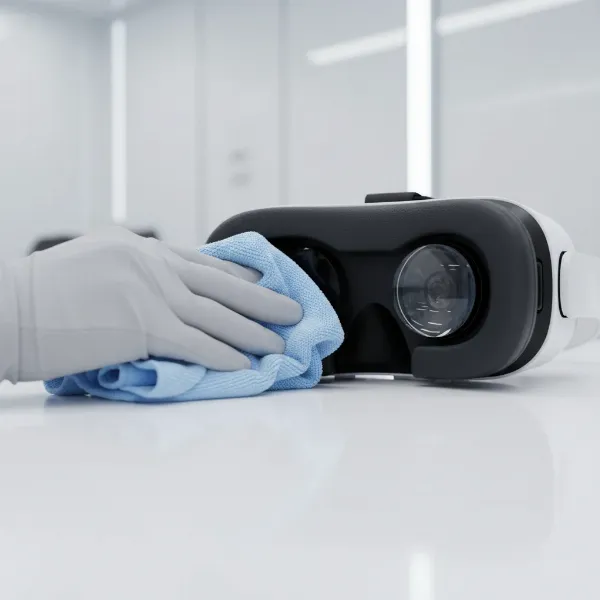
- Lenses: Clean lenses gently with a microfiber cloth designed for optics. Never use harsh chemicals or abrasive materials, as they can damage coatings.
- Headset Body: Wipe the body and facial interface with a soft, slightly damp cloth. Some facial interfaces can be removed and hand-washed or replaced.
- Storage: Store your headset away from direct sunlight, which can damage the lenses and screen. Use a protective case to prevent dust accumulation and physical damage.
- Battery: For standalone headsets, follow manufacturer guidelines for charging to preserve battery health. Avoid leaving it fully charged or completely depleted for extended periods.
Essential Accessories for Enhanced Metaverse Experiences
To truly elevate your metaverse journey, consider investing in these useful accessories:
- Upgraded Headstraps: Many stock headstraps, especially on standalone headsets, can be basic. Aftermarket “Elite Straps” or halo straps offer improved comfort, better weight distribution, and often integrated batteries for extended playtime.
- High-Quality Headphones/Earbuds: While many headsets have built-in spatial audio speakers, dedicated headphones can provide superior sound isolation and audio fidelity, deepening immersion in virtual worlds.
- External Battery Packs: For standalone headsets, an external battery pack can significantly extend play sessions, crucial for long metaverse explorations or social gatherings.
- Controller Grips and Covers: These can enhance comfort, improve grip, and protect your controllers from drops and impacts, especially during active gameplay.
- Link Cables (for Standalone to PC VR): A high-quality USB-C cable (e.g., a “Link Cable” for Meta Quest) allows you to connect a standalone headset to a gaming PC, transforming it into a PC-powered VR device for higher-fidelity experiences.
Conclusion
The metaverse represents a thrilling evolution of digital interaction, and the right VR headset is your crucial portal. While devices like the Apple Vision Pro offer premium spatial computing, for most users seeking a blend of performance, versatility, and accessibility, the Meta Quest 3 stands out as the best overall choice. Its robust mixed reality capabilities, impressive display, and extensive content library make it an ideal companion for exploring burgeoning virtual worlds.
However, the “best” headset ultimately aligns with your personal needs, budget, and desired level of immersion. Whether you prioritize standalone freedom, the raw power of PC VR, or console-exclusive experiences, understanding key factors like resolution, refresh rate, and comfort will guide your decision. The metaverse is a dynamic space, constantly evolving with new technologies and experiences. What virtual adventures will you embark on first?
Frequently Asked Questions
What makes a VR headset “metaverse-ready”?
A metaverse-ready VR headset offers high resolution and refresh rates for visual clarity and smoothness, a wide field of view for immersion, and advanced tracking (hand, eye, or head) for intuitive interaction. Crucially, it should also provide access to platforms and content that facilitate social interaction, persistent virtual environments, and diverse activities, often with mixed reality capabilities.
Can I explore the metaverse without a high-end gaming PC?
Yes, many excellent standalone VR headsets like the Meta Quest 3 offer compelling metaverse experiences without needing a high-end gaming PC. These all-in-one devices have built-in processors capable of running a wide range of virtual worlds, social platforms, and games, making them highly accessible for entering the metaverse.
Is eye-tracking important for the metaverse?
Eye-tracking is becoming increasingly important for the metaverse as it allows for more natural avatar interaction, enabling digital characters to reflect your gaze. It also supports foveated rendering, which can improve graphical performance by rendering only where you’re looking in full detail, potentially leading to more realistic and efficient metaverse environments.
How much should I expect to pay for a good metaverse VR headset?
You can find capable metaverse VR headsets ranging from approximately $299 (for budget-friendly options like the Meta Quest 3S) to around $500 for a strong all-rounder like the Meta Quest 3. High-end PC-powered systems like the Valve Index can cost upwards of $999, not including the PC itself, while premium spatial computers like the Apple Vision Pro are significantly more expensive.